How to apply/redeem a code
Activate a subscription code on your account.
Codes from partner stores, promotions and gifts activate a RealVPN plan on your account. You don’t need an account beforehand — you can create one while redeeming.
-
Open the redeem page
Go to realvpn.io/apply_code (short link: realvpn.io/redeem). If your email or voucher contains a link with the code, just open it — the code is filled in for you.
-
Enter the code and choose the account
Paste the code exactly as issued. Then choose I’m new — create account or I have an account and enter your email and password. Already signed in? The page shows which email the plan will go to.
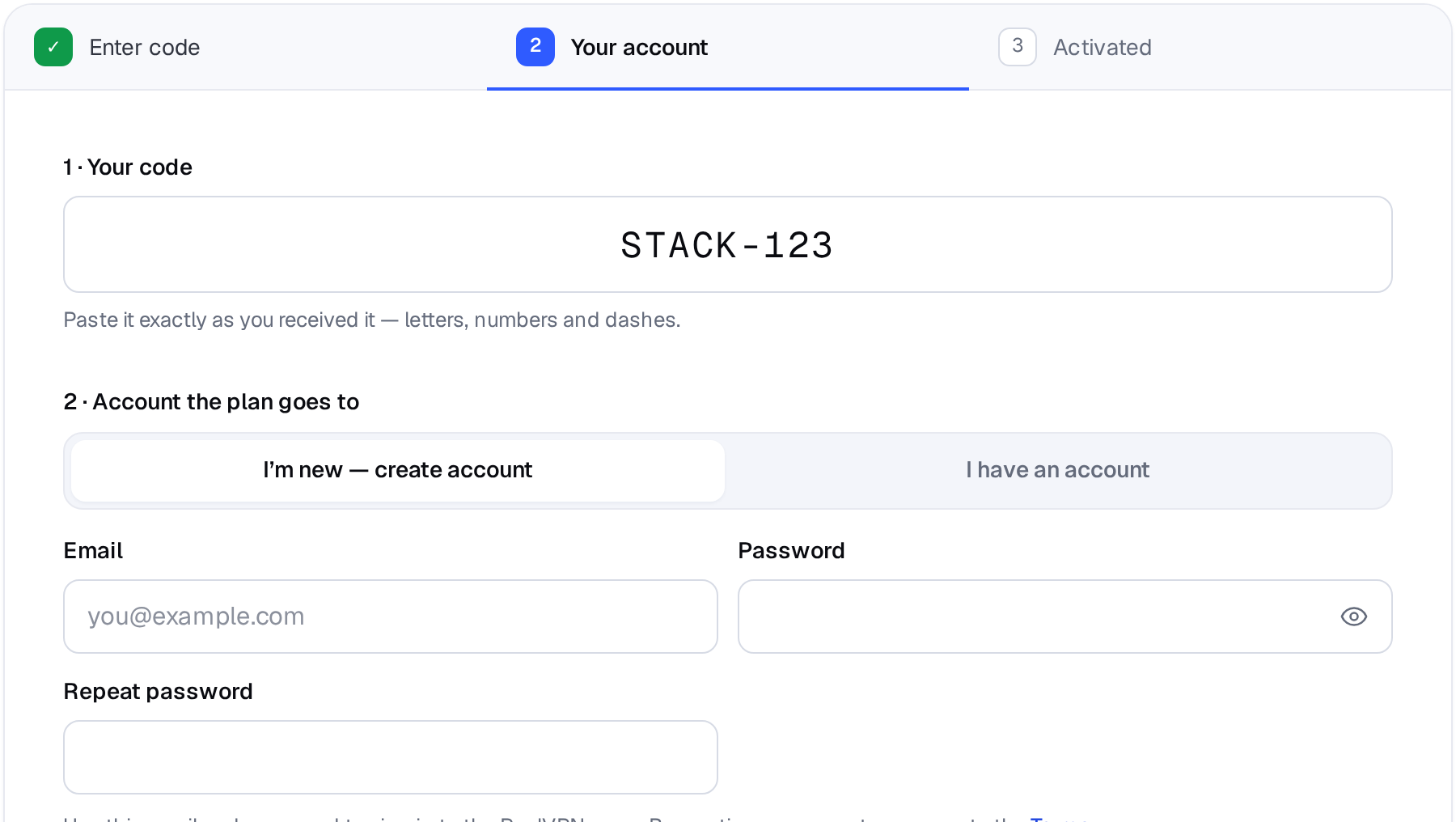
Step 1: the code. Step 2: the account the plan goes to. -
Press Redeem
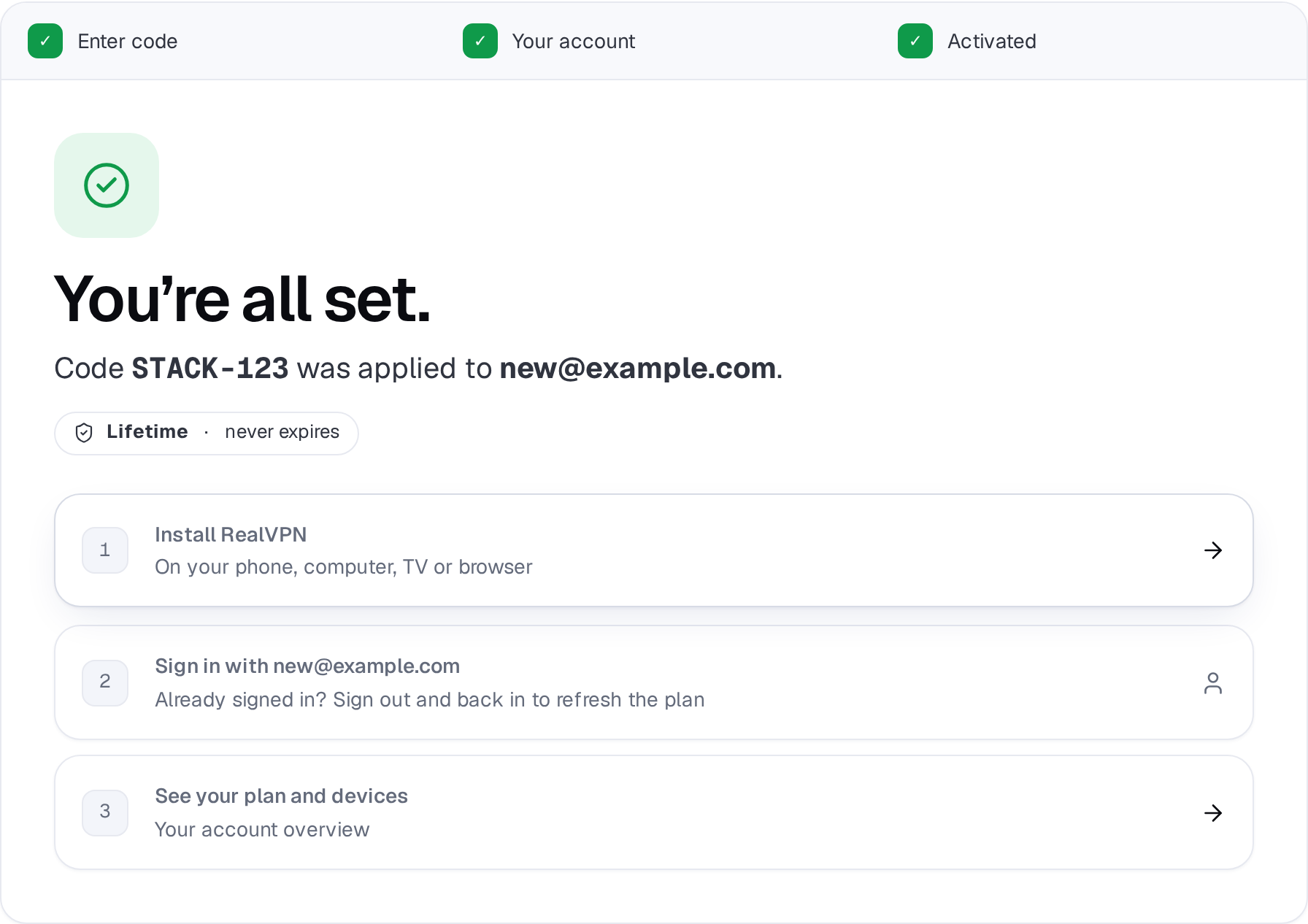
The plan is activated instantly and shown right on the page.
-
Sign in to the apps with the same email
Install RealVPN and sign in with that email. If an app was already signed in and still shows Free, sign out and back in.
The code doesn’t work
- “We couldn’t find this code” — check for typos, missing dashes and extra spaces.
- “Already been used” — every code can be redeemed only once. If you didn’t redeem it, contact the store you bought it from.
- “Expired” — some codes must be activated before a date.
Still stuck? Contact support with the code and where you bought it.