How to find the best server
Optimal region, latency and when to switch.
RealVPN picks the best server for you automatically. Here’s how that works and when it’s worth choosing a location yourself.
Optimal region (recommended)
With Optimal region selected, the app considers your location and each server’s current load, and connects you to the fastest one. For everyday browsing, streaming and calls, leave it on.
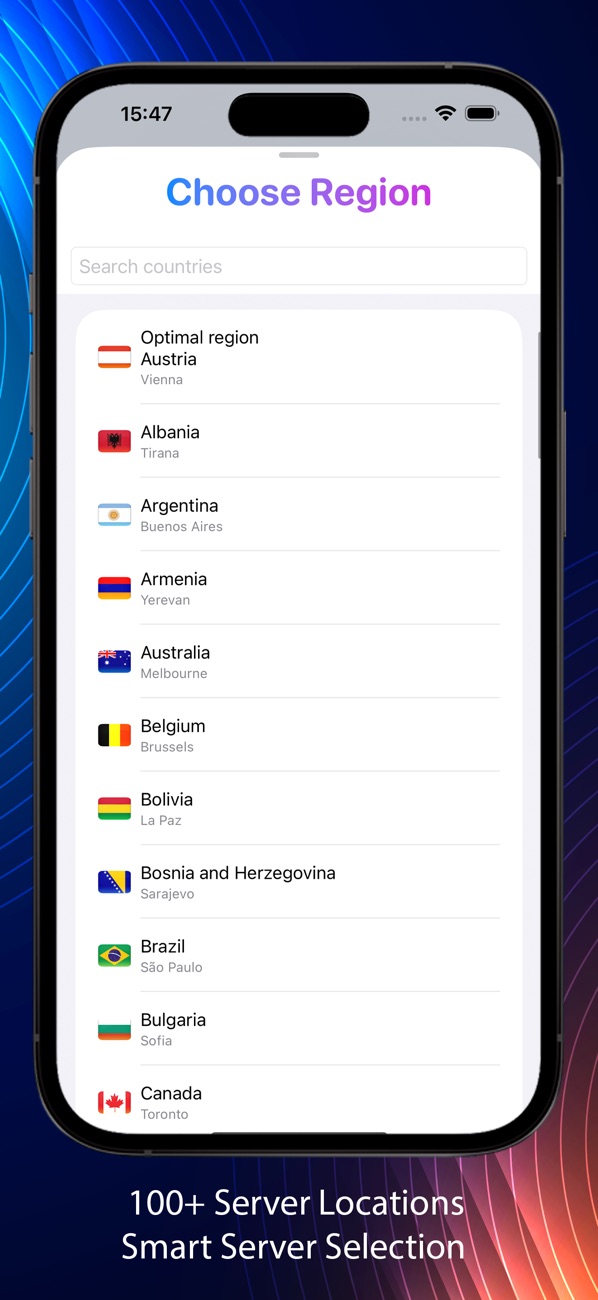
When to pick a location yourself
- You need a specific country — for local websites, prices or content.
- Speed feels low — choose a server geographically close to you. Distance is the biggest factor in latency.
- A site blocks the current server — switch to another city in the same country.
See all locations and their current load on the server locations page.