“Maximum number of devices” error
How connection slots work and how to free one.
Your plan limits how many devices can be connected at the same time — not how many you can install RealVPN on.
5
connections included with every plan
+5
per extra pack, packs stack
∞
devices you can sign in on
How it works
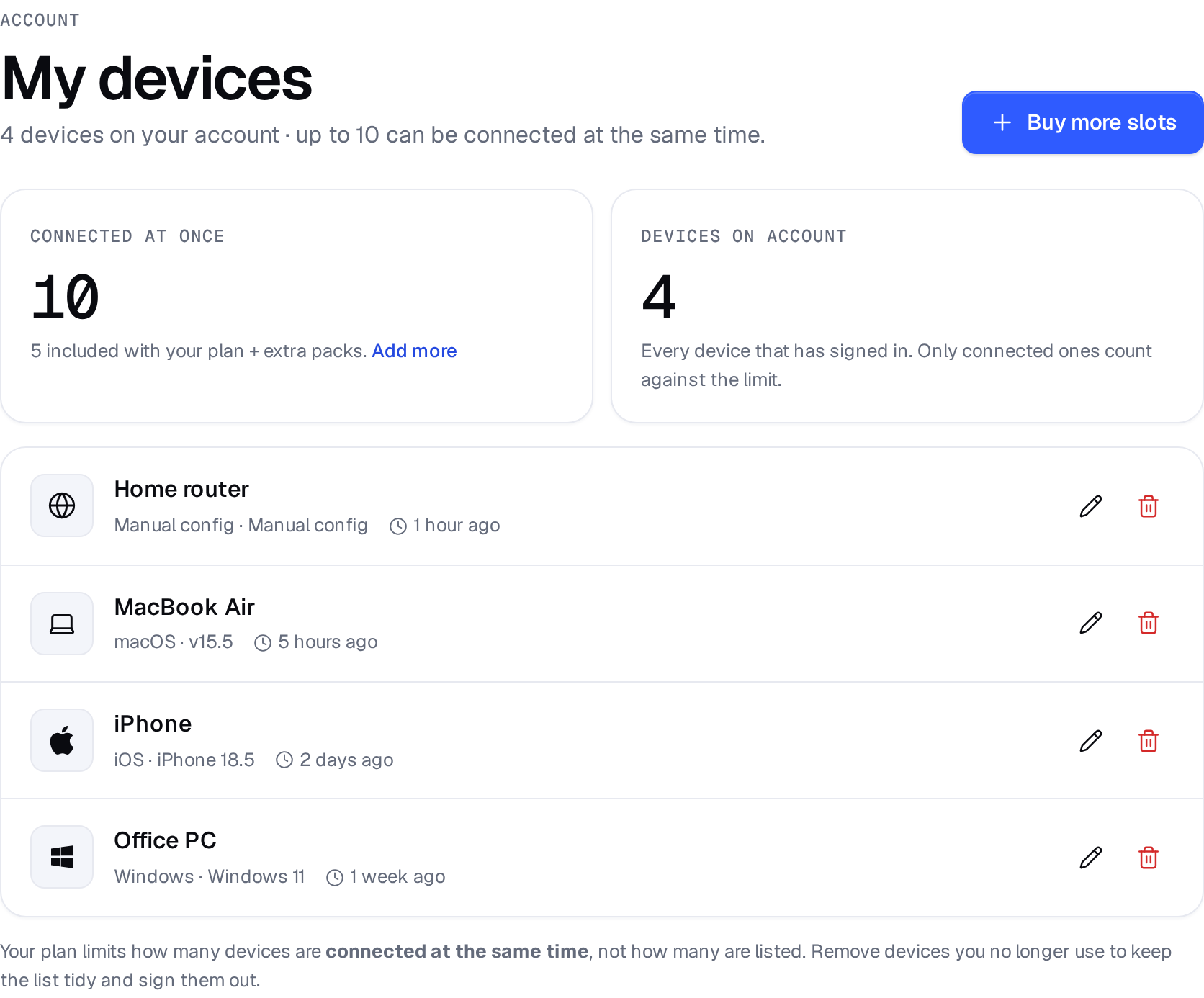
- Every app, browser extension and manual config you sign in with appears in My devices. The list can be longer than your limit — that’s fine.
- When a new device connects while the limit is already in use, you’ll see “You have reached the maximum allowed number of devices on your account.”
- A router running RealVPN counts as one connection, no matter how many devices use it.
How to fix it
-
Disconnect a device you’re not using
Turn off RealVPN on another phone, computer or TV, then connect again.
-
Clean up old devices
Remove devices you no longer own in My devices.
-
Need more at once? Add a pack
Add 5 more connections monthly, yearly or for life. Packs stack with each other and work with any plan.