Redeem a code
Activate your RealVPN code.
Bought RealVPN in a partner store or got a gift or promo code? Three quick steps and your plan works on every device.
- 1 Enter code
- 2 Your account
- 3 Activated
You’re all set.
Code was applied to .
·
How it works
From code to protected in a minute.
Enter the code
Copy the code from your purchase email or voucher and paste it in step 1 above. Opened a link with the code in it? It’s already filled in.
Sign in or create an account
New to RealVPN? Choose I’m new, enter your email and a password. Already have an account — for example from the app — choose I have an account. Signed in already? Just check the email shown.
Press Redeem
The plan is attached to your account instantly. You’ll see it on your account page.
Install the app and sign in
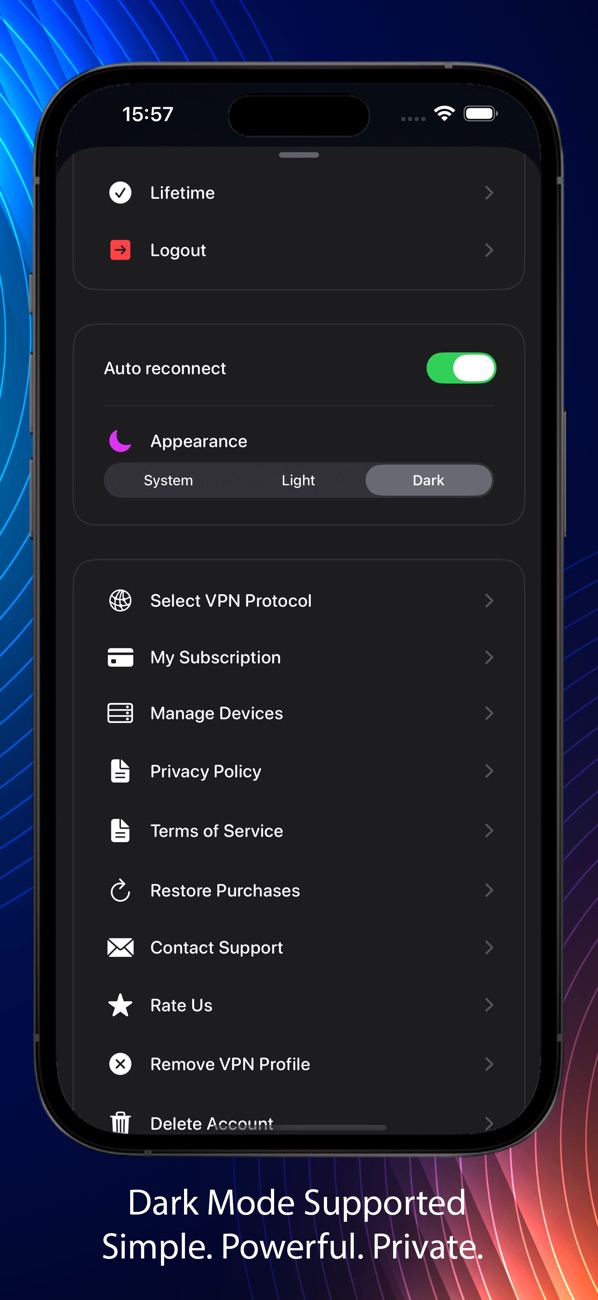
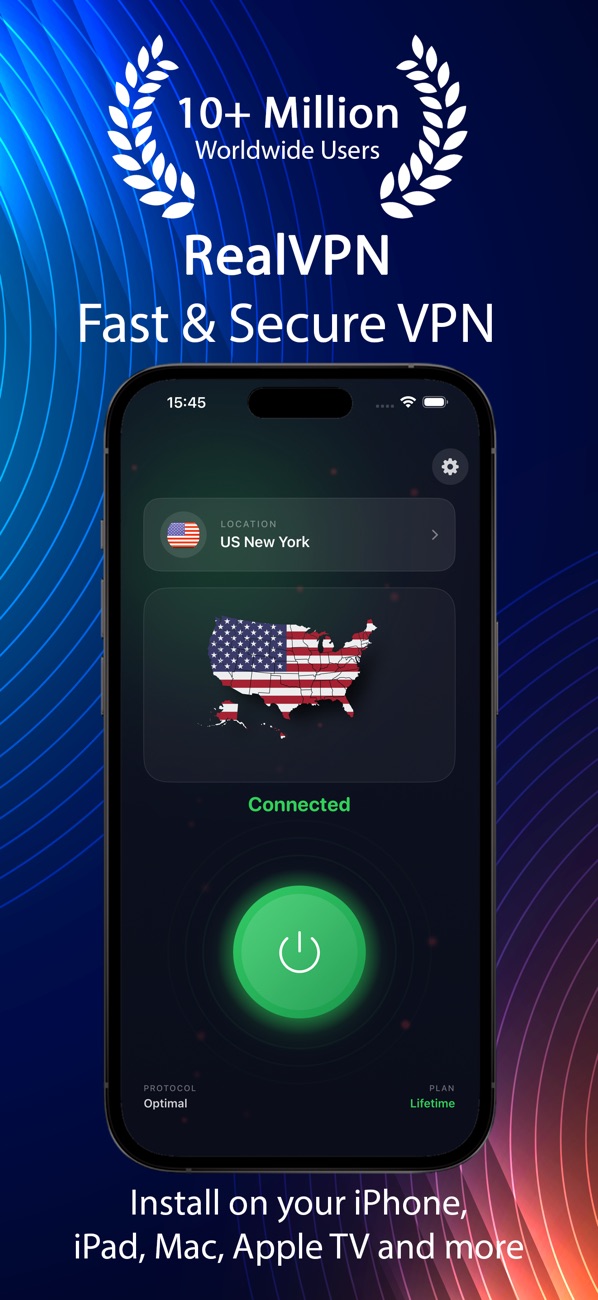
Download RealVPN for iPhone & iPad, Mac, Windows, Android or other devices and sign in with the same email. Your plan shows in the app’s settings.
Questions
Where do RealVPN codes come from?
Codes are sold by our partner stores, given away in promotions or sent as gifts. They look like a string of letters and numbers.
Which account does the code go to?
To the RealVPN account you are signed in with on this page — its email is shown in step 2. Use the same email to sign in to the apps.
I don’t have an account yet
No problem — create one right in step 2. It takes a few seconds, and the code is applied to it straight away.
I already have a subscription
The code’s plan is added to your account. If you’re unsure how it combines with your current plan, write to us before redeeming.
The code doesn’t work
Check for typos and extra spaces. Each code can be redeemed only once and some expire — the error message tells you which. Still stuck? Contact support with the code and where you bought it.
Problem with a code?
Send us the code and where you bought it — we’ll sort it out.